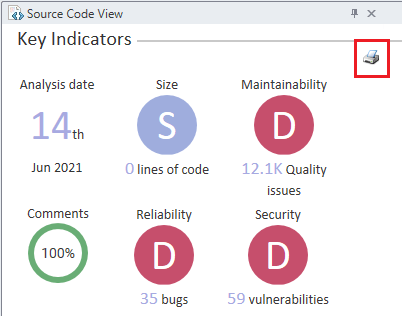
Code inspection results can be exported with a 'Print' button on the top-right of the Dashboard.
Print or Export the Code Inspection Dashboard
October 2021

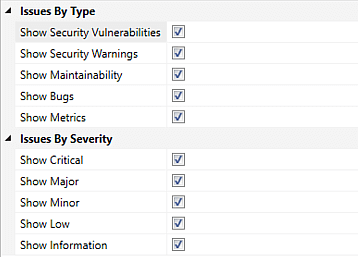
Code inspection results can be exported with a 'Print' button on the top-right of the Dashboard.
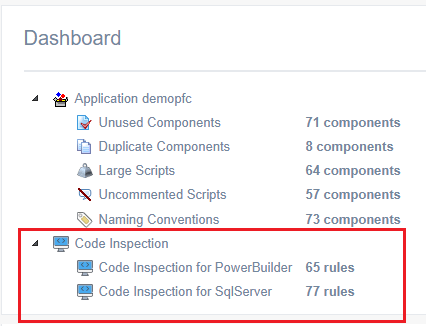
Code inspection results are now available as a part of the Code Review Report.
The developers can now focus their code inspection on specific objects, libraries, packages or object types by filtering the code inspection reports.
The macros in the Navigation Bar are reorganized into four groups for Visual Expert 2021 to locate code analysis fearures easily.
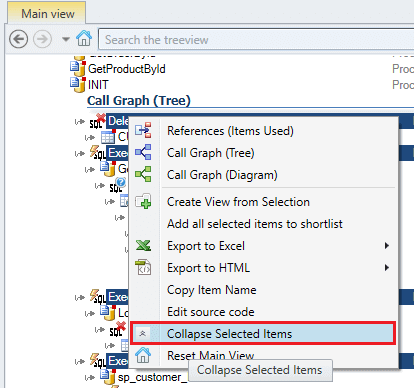
Expand or collapse one or several items (branches) using the " " button for any TreeView in Visual Expert.
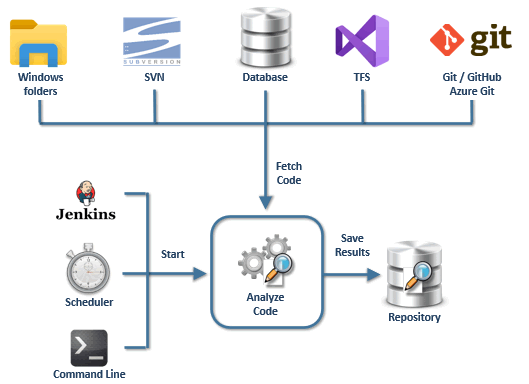
Automatically Inspect your code anytime a new build is released.
Discover and fix problems earlier to reduce maintenance costs and avoid propagating bugs to other developers' works.
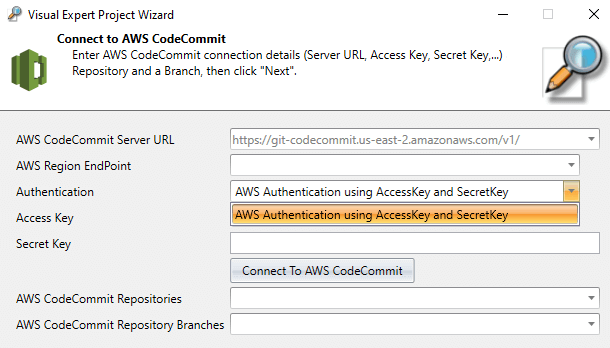
Visual Expert can connect to your ‘AWS’ source control, to fetch and analyze your code.
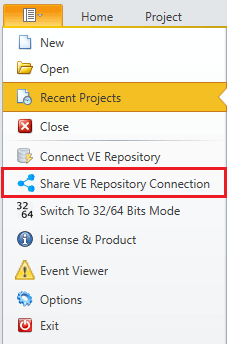
This guide shows how to share your VE Repository with a new user or a collaborator.
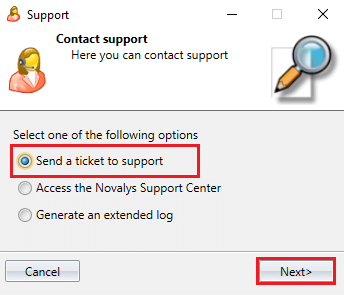
This procedure shows how to send a support request to the Visual Expert team for easy resolution.
Send an Extended Log (also called VELog because of it *.velog extension) when the code analysis could not complete.
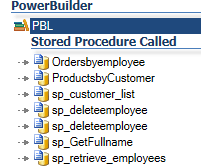
Visual Expert can find all PowerBuilder objects and methods calling stored procedures, indicating the procedures called, and highlighting the corresponding references in the PB code.
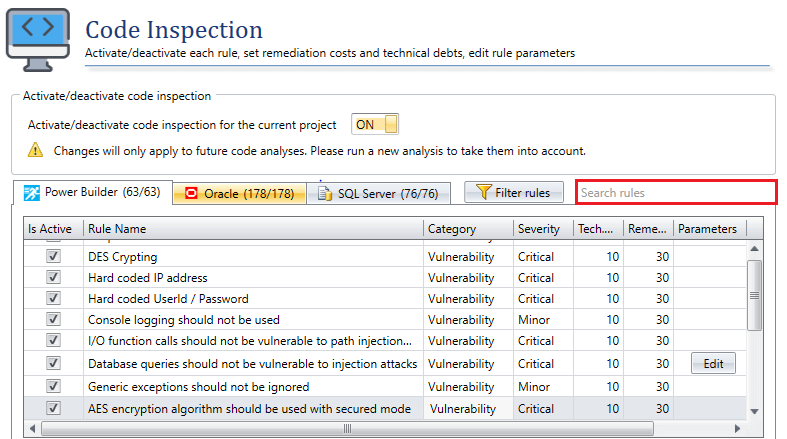
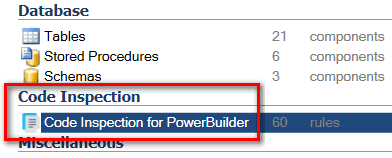
To help you easily find the rules you are looking for, the Code Inspection window now includes a search field and filtering options.
Refreshing Code Analysis on a regular basis generates a large amount of data in the VE repository.
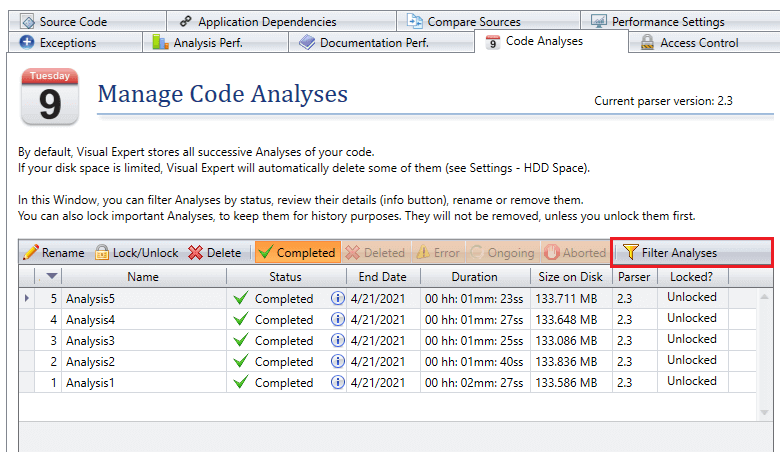
The ‘Manage Code Analyses’ window offers filtering options to find a specific code analysis.
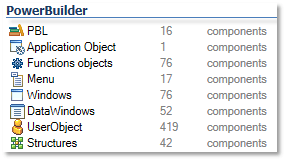
Visual Expert can calculate source code metrics like lines of code, database objects, controls, events, functions, variables, etc. and give you a complete count.
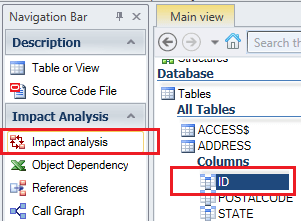
Visual Expert can find all references to any item changed in PowerBuilder code. Check your code and safely commit your changes for PB projects.
The Visual Expert team just released a plugin, to analyze, inspect and document your code automatically with Jenkins whenever you need, for instance anytime a build is generated.
Visual Expert is the first tool to scan PowerBuilder code and detect security vulnerabilities.
Learn how to protect PowerBuilder applications from SQL code injections using Visual Expert.
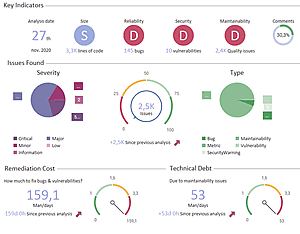
Visual Expert's Code Inspection dashboard helps visualizing key indicators, issues by severity and type, and estimating remediation costs and technical debts.
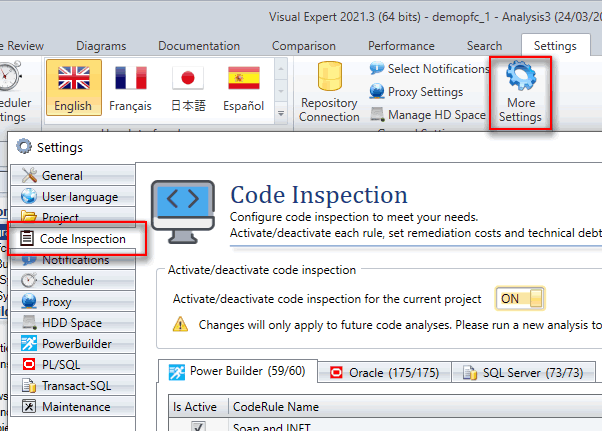
Visual Expert's Code Inspection relies on rules and settings that you can adjust to meet your needs.
![Navigation Bar Macros [Reorganized]](/images/New-Macros-Visual-Expert-2021-small.png)