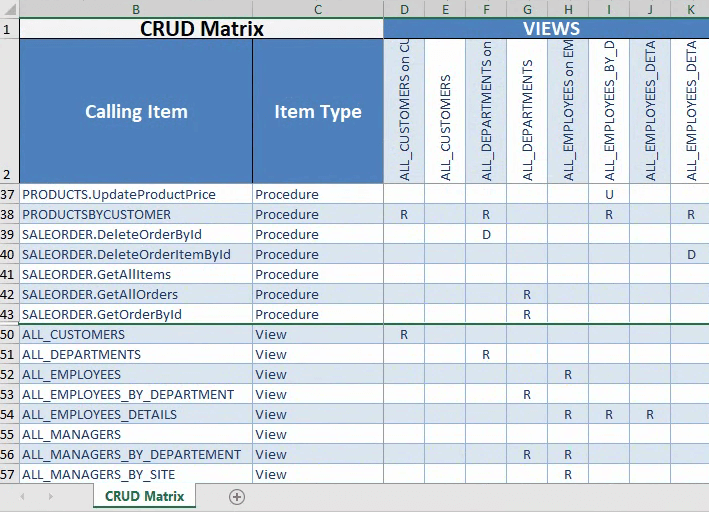
Visual Expert can generate a CRUD matrix - to analyze CRUD operations in your code (Create, Read, Update, Delete).
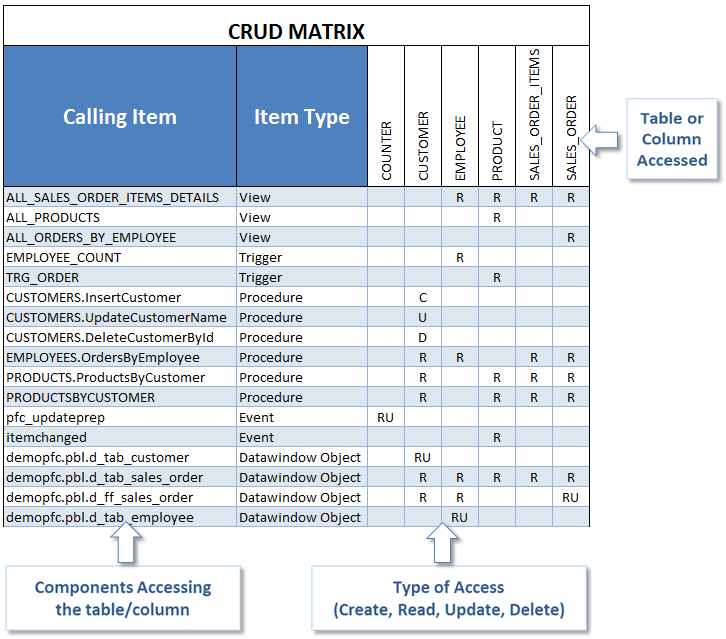
As a result, you can see which table is accessed by which objects (procedures, functions, etc.) with the type of access for each object:
Why use a CRUD matrix?
- Data Impact Analysis
Visualize how your application interacts with the database. Assess the potential impact of changes on data operations, whether they involve creating, reading, updating, or deleting data. - Optimized Database Management
Identify overused or underused database elements, ensuring efficient data flow and performance optimization. - Improved Code Maintenance
Map database operations directly to code components, making it easier to track and troubleshoot any code that interacts with the database. - Compliance & Auditing
Gain a clear view of how sensitive data is manipulated, ensuring adherence to data management policies and simplifying audits.
Try Visual Expert
Download Visual Expert Free Trial to Analyze your Oracle, PowerBuilder or SQL Server Code
and automatically generate a CRUD Matrix.
How to Generate a CRUD Matrix?
- Open your Visual expert project.
- You have several options to create a CRUD matrix:
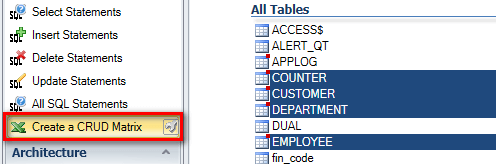
- Select Tables, Columns or Table synonyms to show which objects are using them.
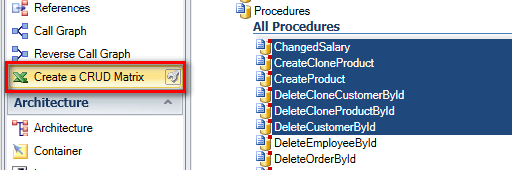
- Select objects (functions, procedures, etc.) to show which tables they are using:
- Select views to show which tables they are using:
The CRUD Matrix will also show which objects are using the selected views.
In the matrix, Views may appear with both callers (lines) and callees (columns).
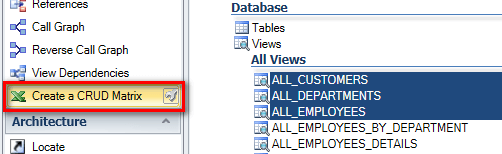
- Next, click on "CRUD Matrix" in the navigation bar.
.png)
- A message confirms that the operation has been completed successfully.
Click ‘Open’ to access the CRUD matrix.
.png)
- The CRUD matrix opens in Excel. You can edit, share, print it as you like.
.png)
In this example, Views were selected before generating the CRUD matrix.
They are listed as both callers and callees: