How to Share a Document
Before you begin
Open the VE Web page or result you want to share. Make sure the Share icon  is available on that page.
Share a document from the current page
- Open the page or result you want to share.
- Click the Share icon.
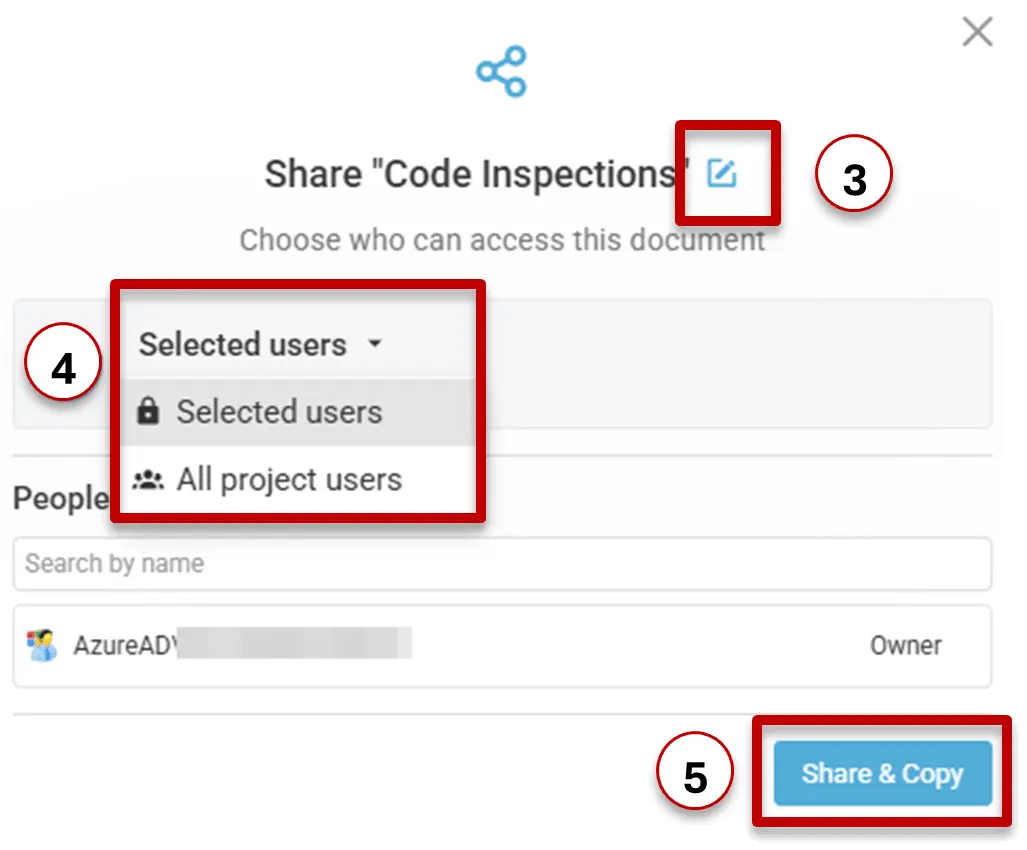
- Edit the document name and description if needed.
- Select the users you want to share it with.
- Click Share & Copy.
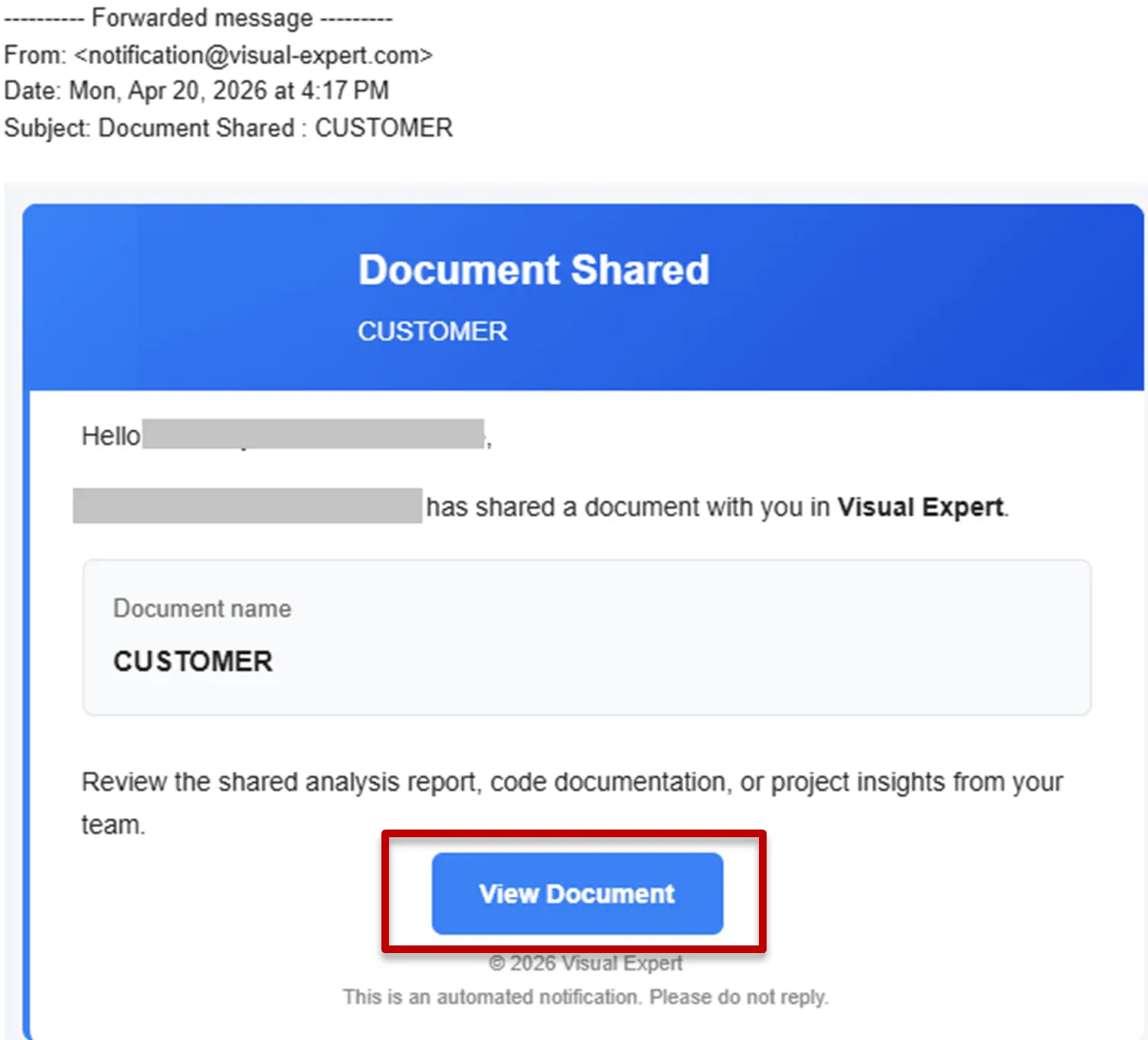
- Notifications are sent to the users the document has been shared with, unless they disabled these notifications.
- The URL corresponding to this shared document is copied to your clipboard.
You can paste the Shared Doc URL into an email, an instant message, or a task tracking tool to use it later or share it with others.
Anyone the document was shared with can access it from the "Shared" module in VE Web.
Share results from Code Inspection
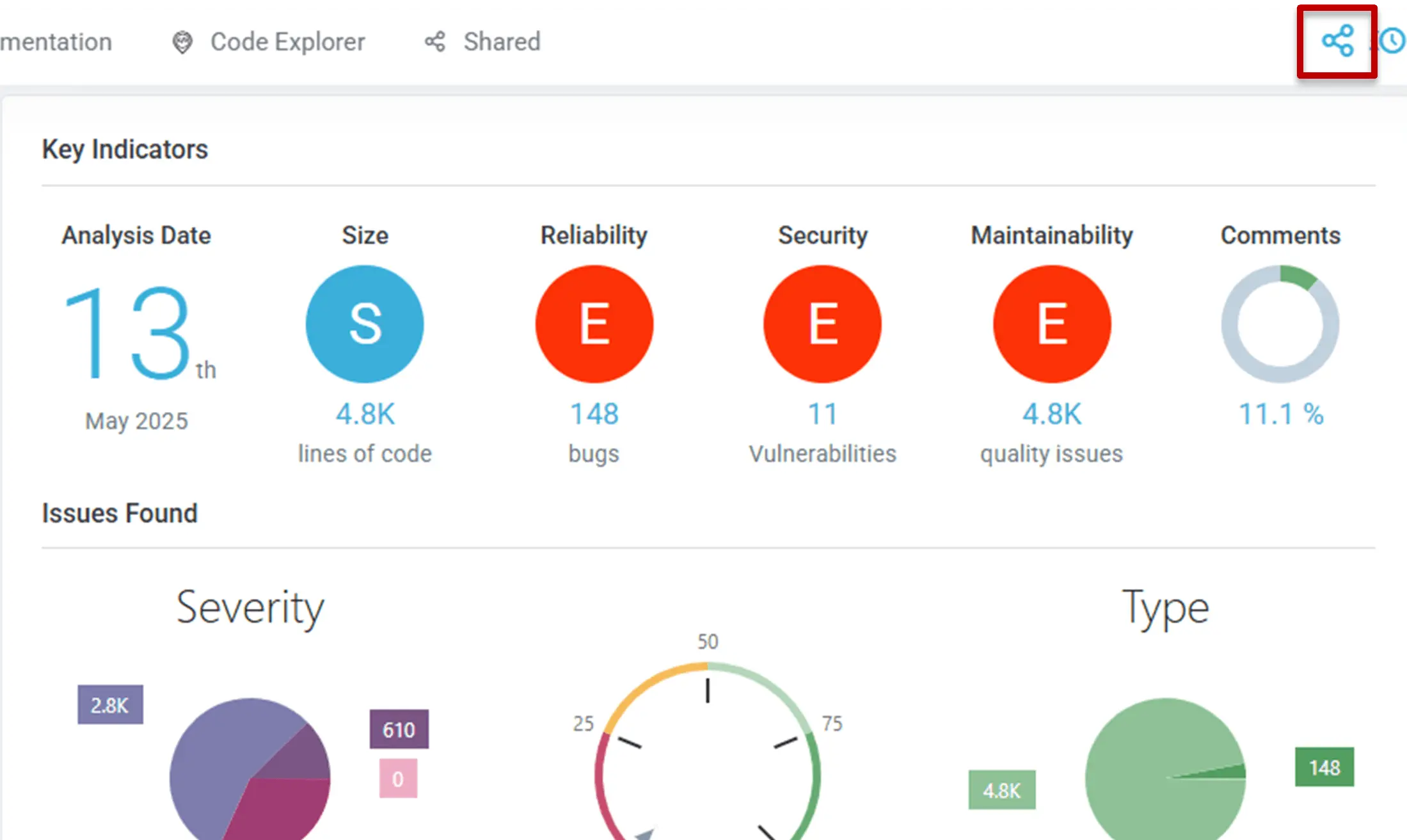
Sharing the Code Inspection Dashboard
Open any of the Code Inspection pages or results, then click the Share icon to create and share a document from the current page.
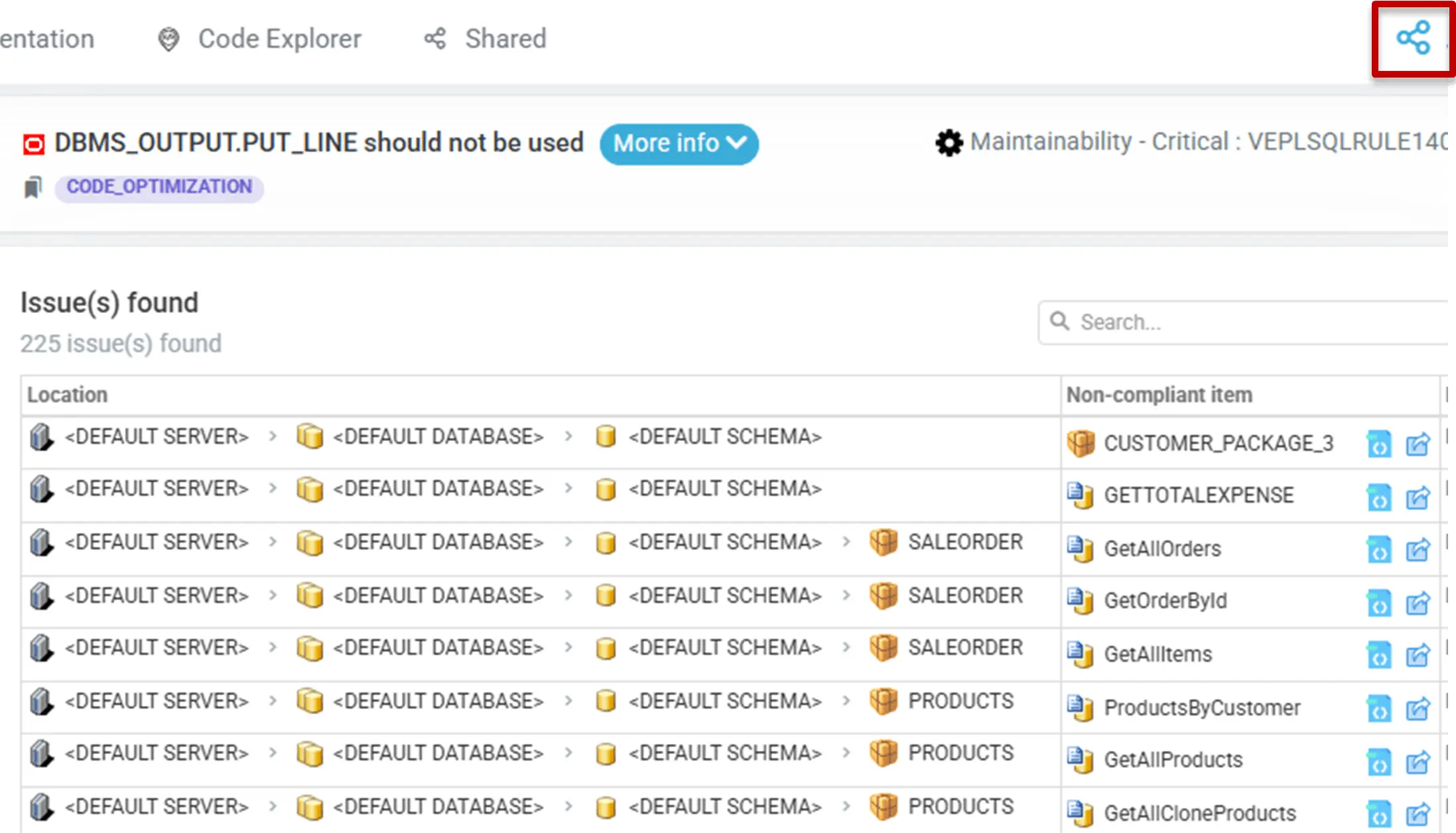
Sharing a list of non-compliant objects
Share a document page
Open any of the documentation pages, then click the Share icon to share it.
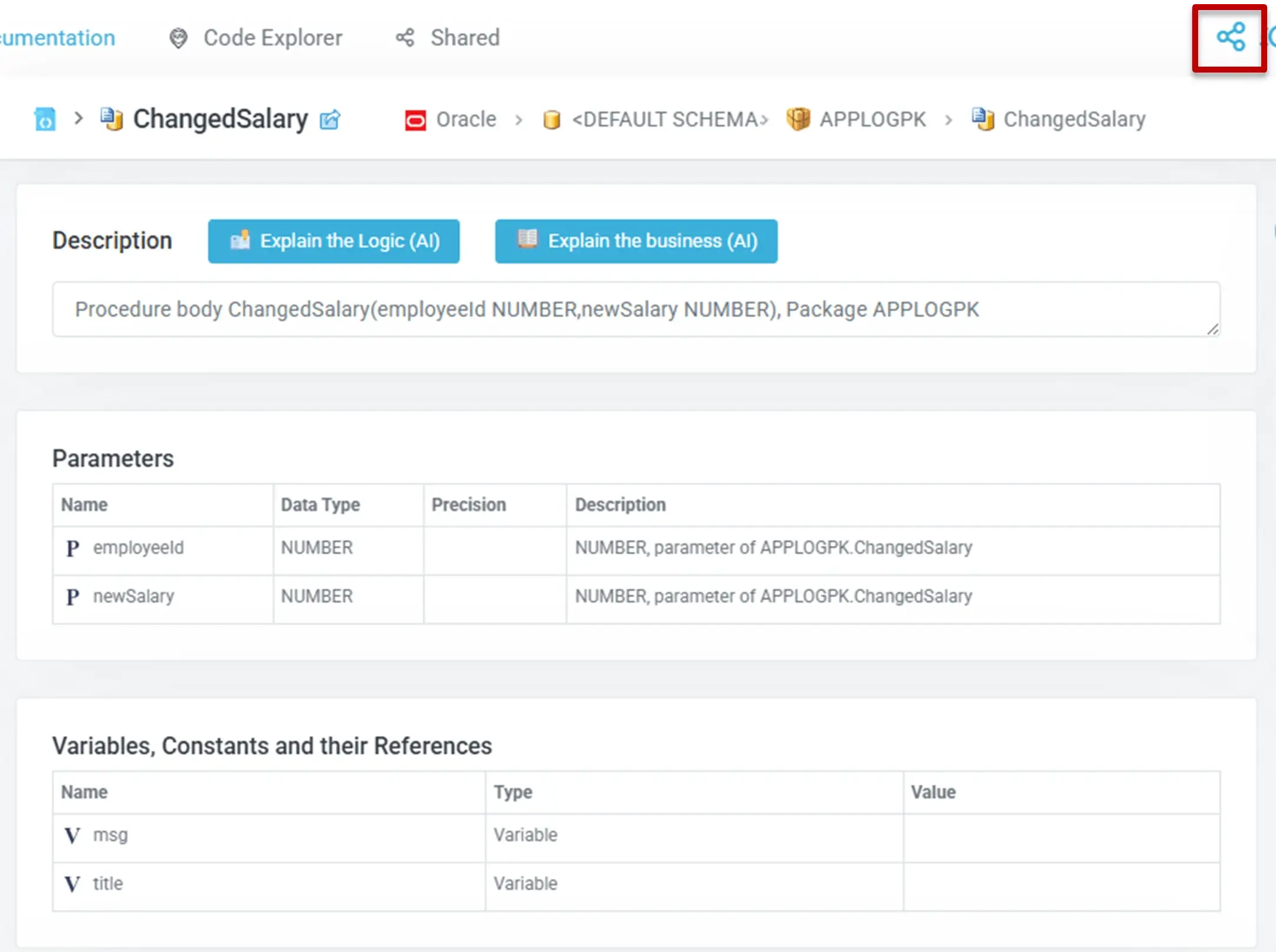
Share results from Code Explorer
Users can share any of the results generated with Code Explorer.
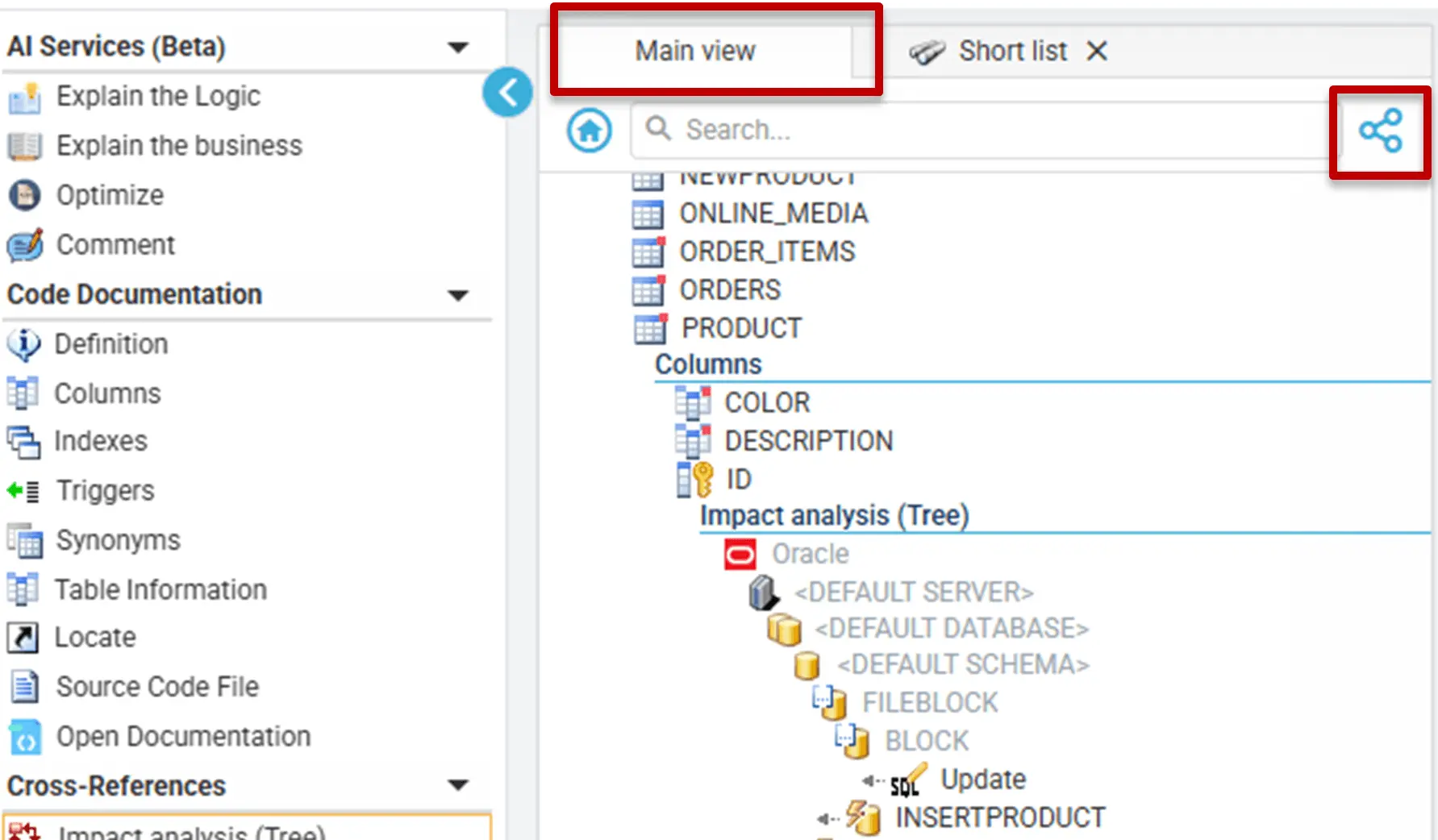
Then share either the Main view (default tree view tab in Code Explorer) or a dedicated subset view, depending on the amount of relevant information they want to keep in the shared document.
Typical examples include Impact Analysis, CRUD Matrix, and other results returned by Code Explorer functions.
Share a CRUD Matrix
After generating a CRUD matrix, users can filter its content and share it. The shared document will keep the CRUD filters defined before creating the shared document.
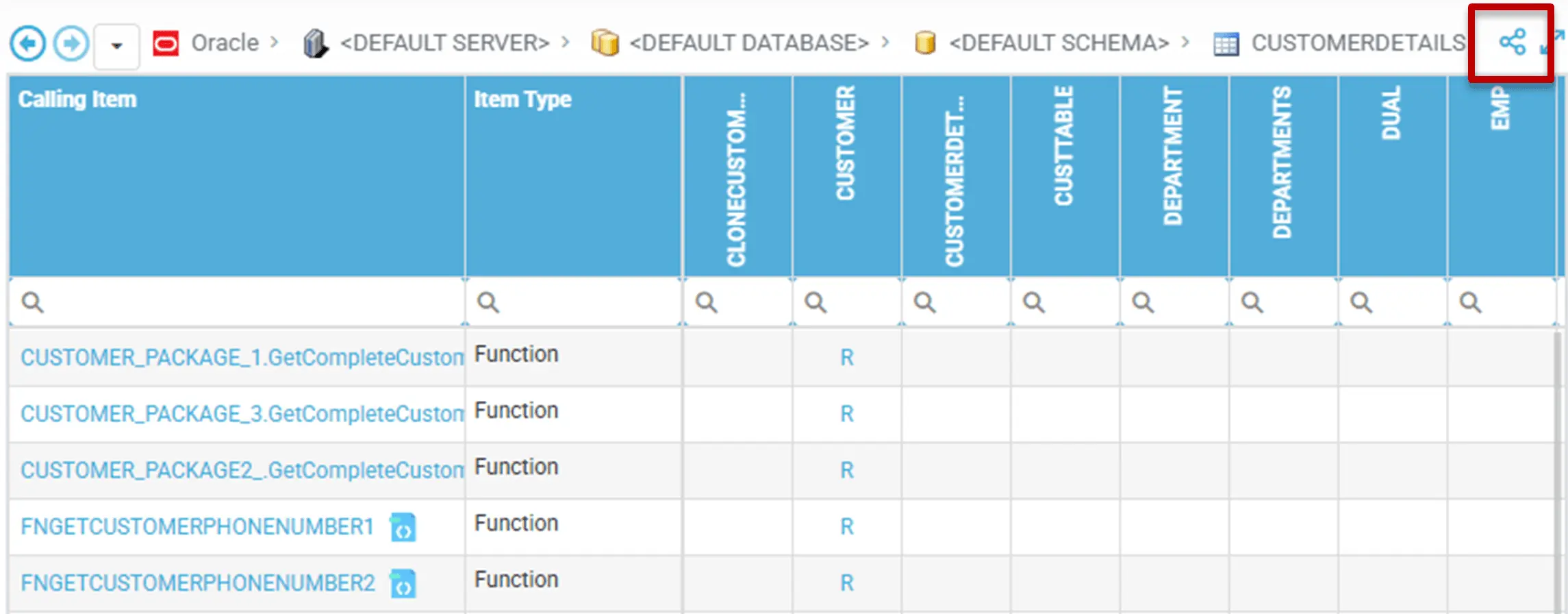
Share the Main view
In Code Explorer, users can share the Main view directly from the current page.
Detach and share a subset of the Main view
If only part of the Main View is relevant, users can create a separate view (tab) containing the items selected in the Main View with the option "Create View from Selection".
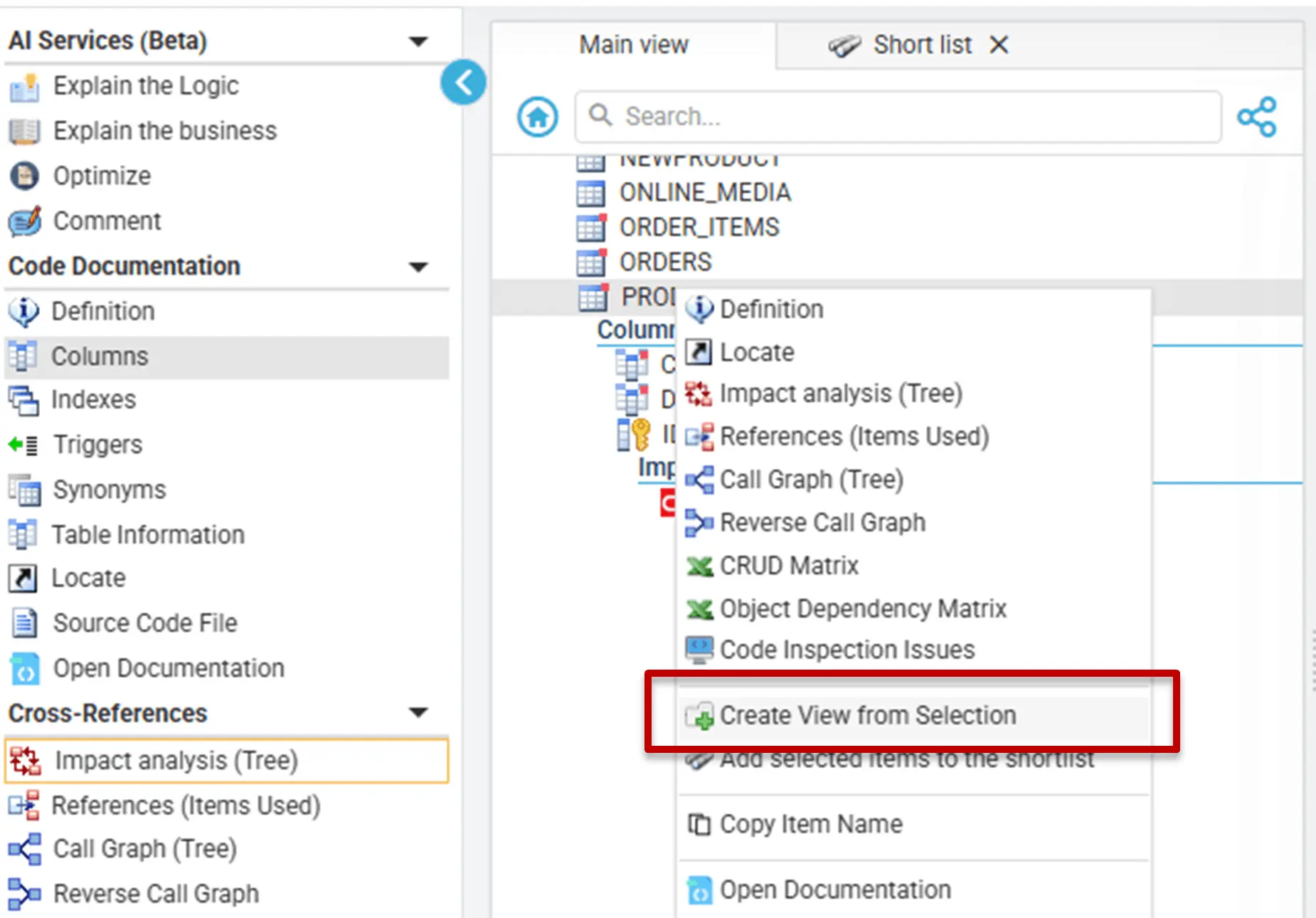
Then, they can share that view instead of the Main view.
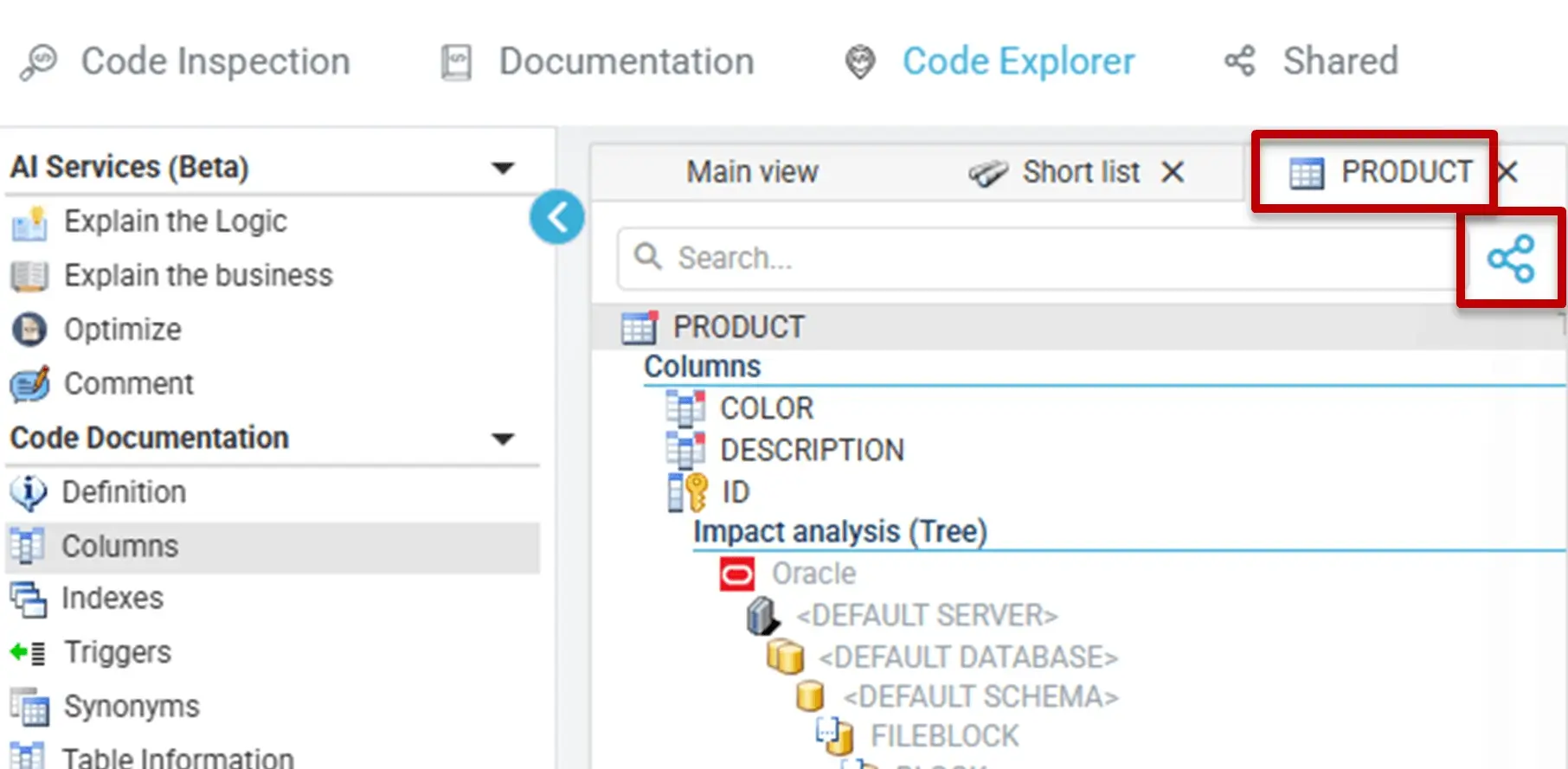
Create and share a selection of objects (Short List)
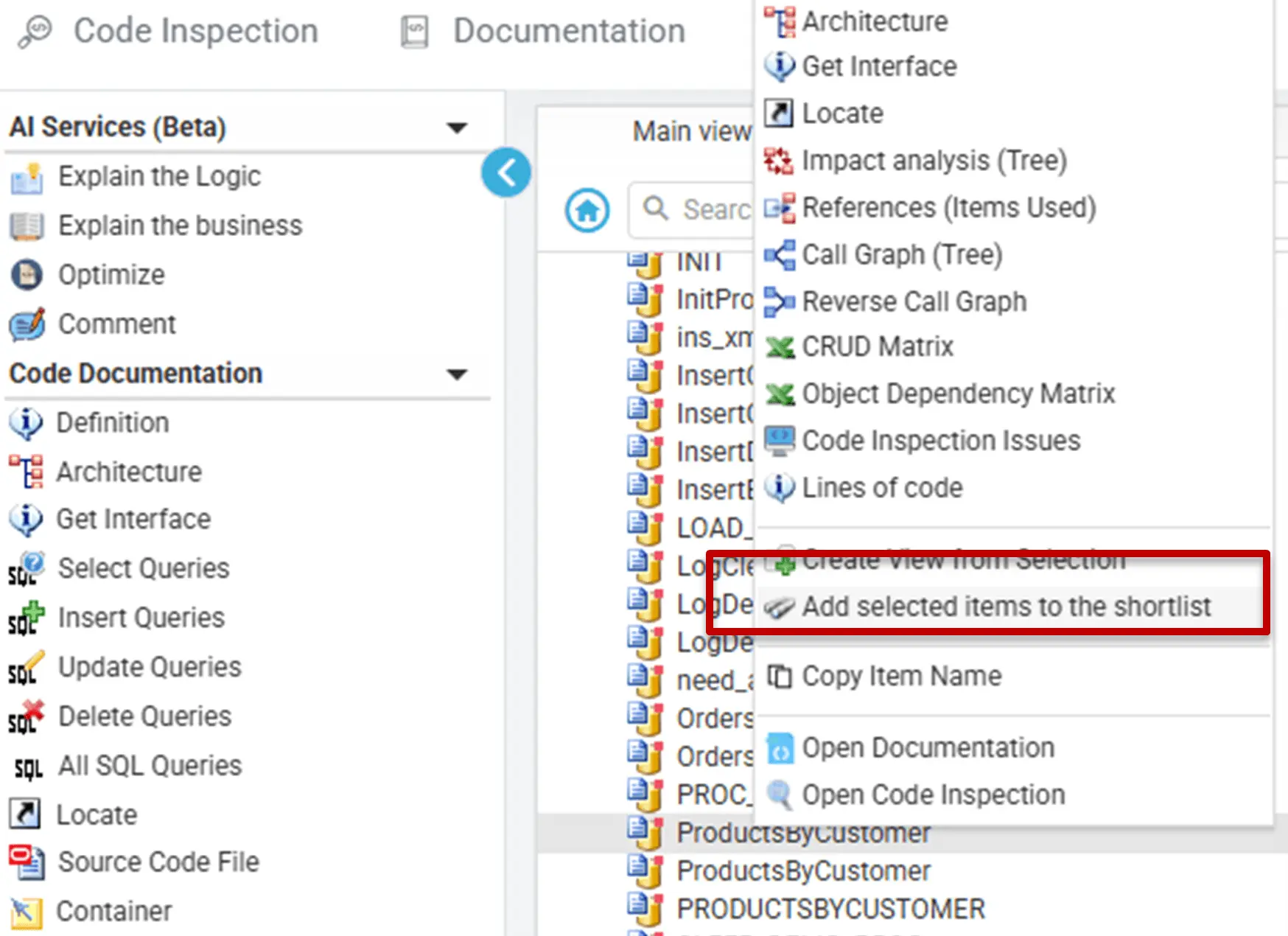
Similarly, users can select relevant items one by one, while browsing their code with Code Explorer. They can place each relevant item in a special View called "Short List" with the option "Add selected items to the Short list".
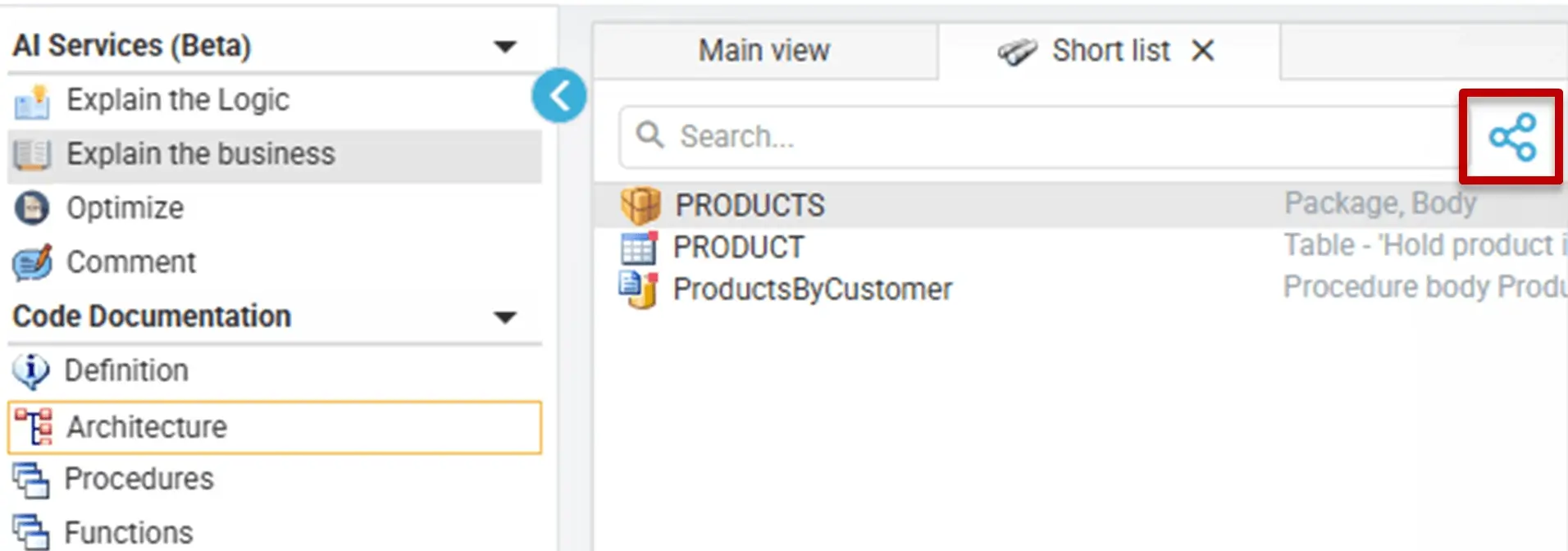
Then, they can share the Short List instead of the Main view.
What happens after sharing
- A shared document is created from the current page.
- The document becomes available in the Shared module.
- A link is generated and copied.
- Authorized users can open the same document later in VE Web.
Notifications
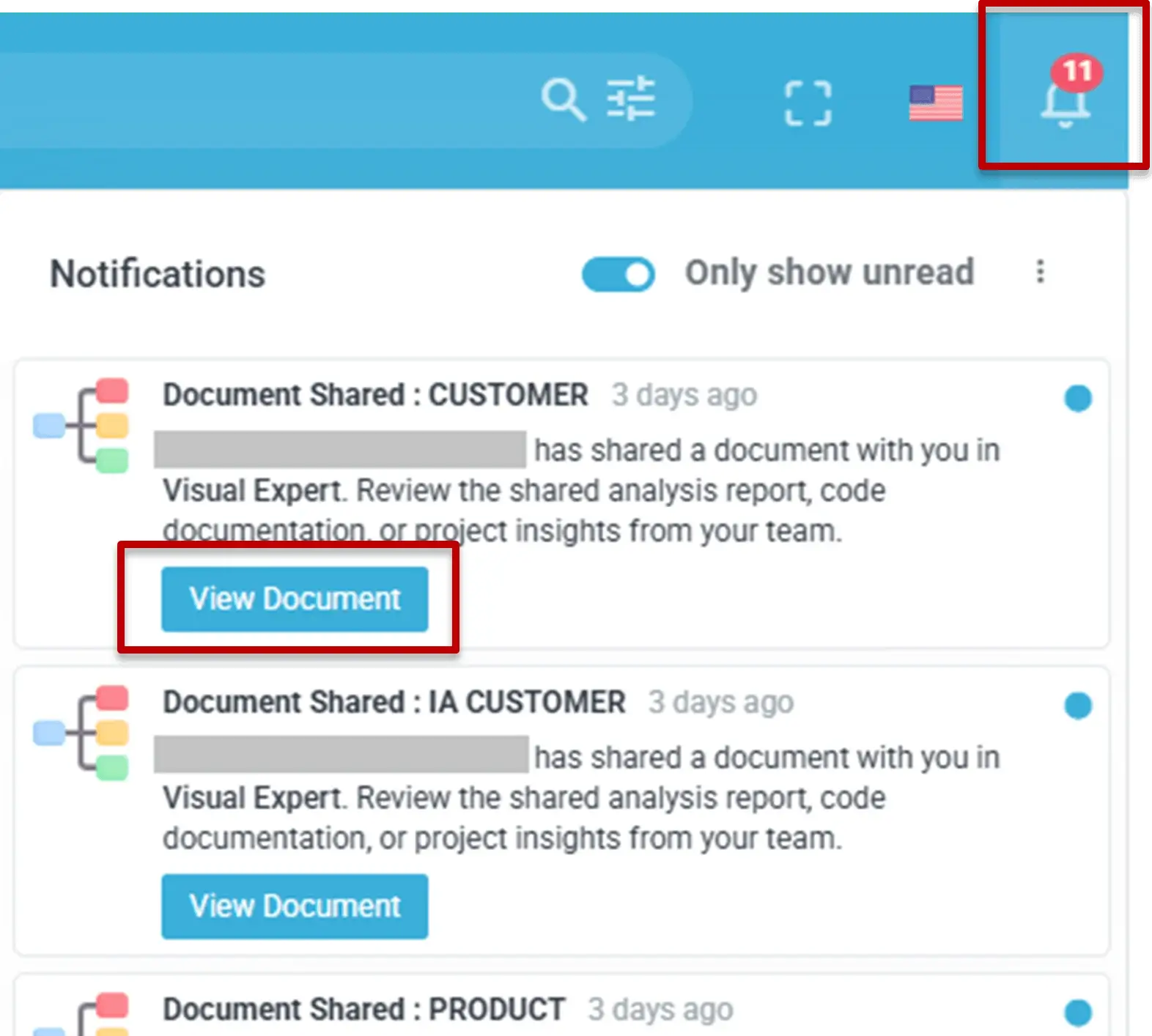
When documents are shared, users can receive notifications if they have enabled the corresponding notification settings. This helps teams discover new shared content.
In-app notifications
Email notifications