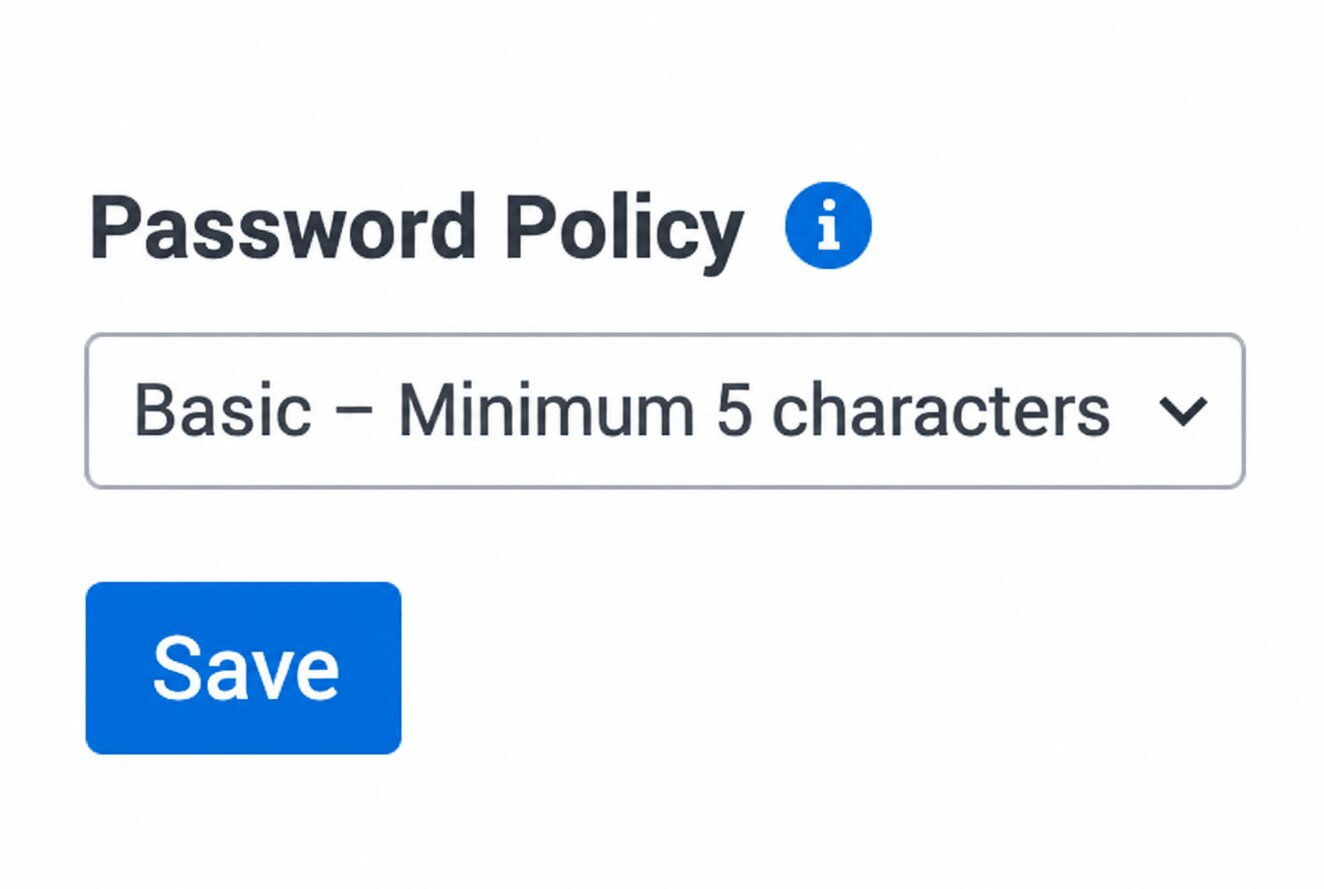
Configure Security Parameters in VE Web
The Security Parameters section in the VE Web console allows administrators to configure authentication and security behavior for the application. These settings control how users access VE Web, manage session duration, and enforce password security policies across the environment.
Overview
Properly configured security parameters allow organizations to:
- Enhance application protection and enforce secure user access
- Maintain compliance standards for authentication management
- Control access to application resources and administrative features
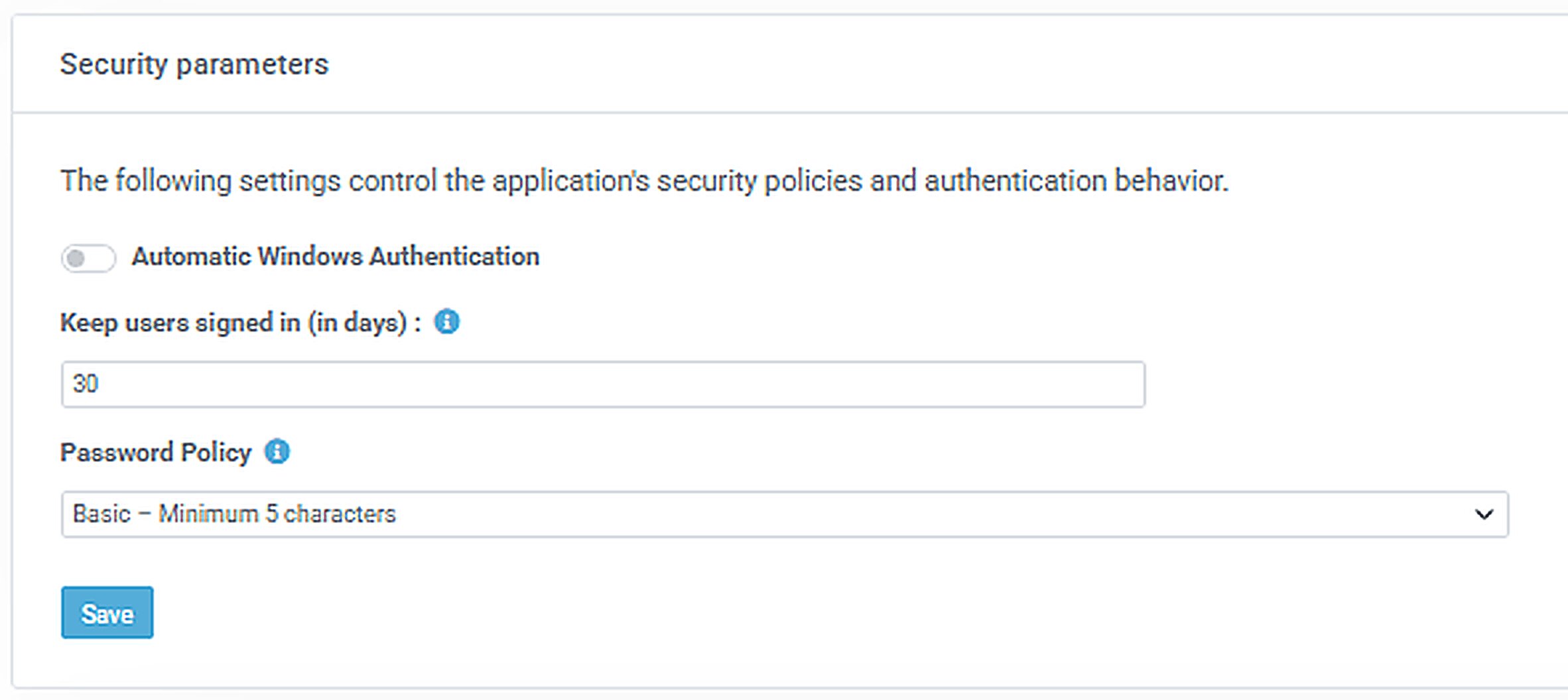
Security Parameter Settings
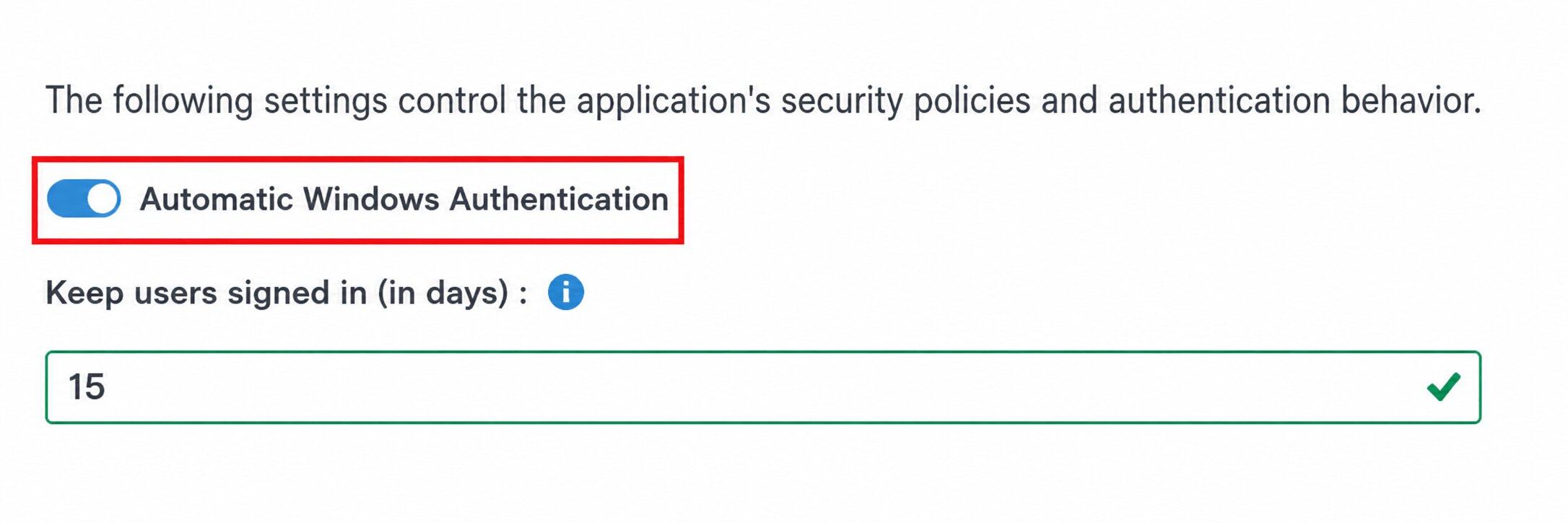
Automatic Windows Authentication
Allows users to log in automatically using their Windows credentials. You can also define how long users remain logged in before reauthentication is required.
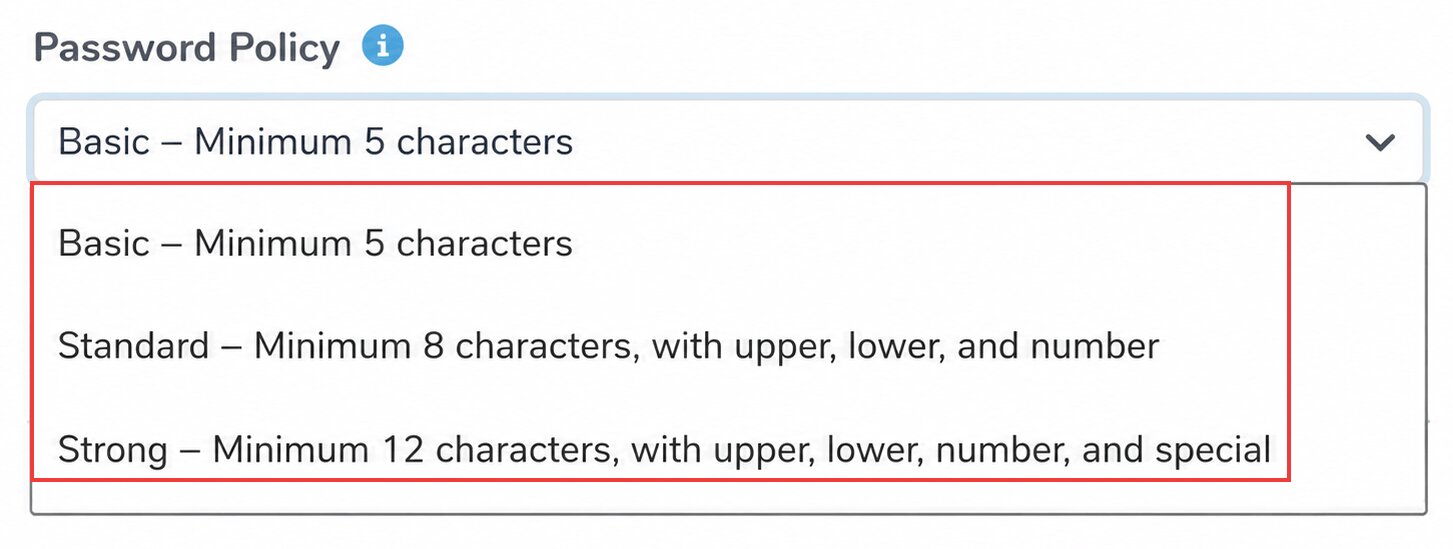
Password Policy
Configures the password complexity and minimum security requirements for user accounts. Three policy levels are available:
- Basic Policy – Requires a minimum of 5 characters.
- Standard Policy – Requires a minimum of 8 characters, including at least one uppercase letter, one lowercase letter, and one number.
- Strong Policy – Requires a minimum of 12 characters, including uppercase, lowercase, a number, and a special character.
Note: If the password policy is changed, all users will be required to reset their passwords to comply with the newly configured security requirements.
Save Your Configuration
After configuring the security parameters, click [Save] to apply the changes.