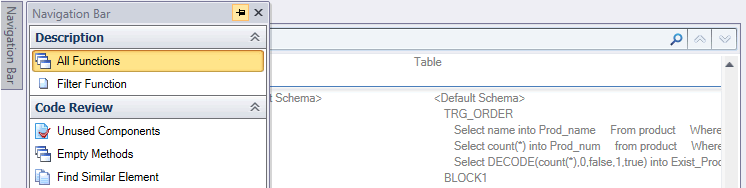
Visual Expert has a docking system that allows you to move around its UI as you wish.
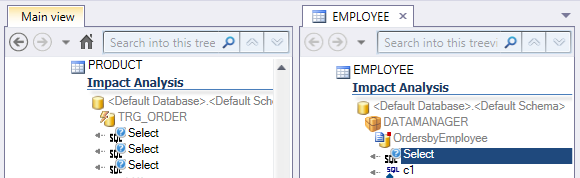
Move the source code view to your second monitor, or create a new view and move it next to an existing one to compare. To use the docking system, click and drag one of the tabs into the image that appears in the center of the UI.
You can also pin/unpin the Navigation Bar to maximise the space in your Main View and Source Code View.