Application-aware AI for maintaining complex code
Visual Expert AI pairs AI with Visual Expert's code analysis, to explain, document and improve your code in its full application context.
Beyond standalone AI
Standalone AI assistants only see the code you paste. Maintaining a real application takes more.
What VE AI adds
Three things a standalone assistant cannot do.
Application context from Visual Expert
Each request starts from the code you select, enriched with its dependencies, related objects and database usage.
AI inside your maintenance workflows
Not a separate chatbot. VE AI is available where you already work: exploring, documenting, reviewing a Code Inspection finding, optimizing.
A shared, persistent knowledge base
AI results are stored with your analysis and shared across the team, available for the next person and the next change.
Review and improve your code
Application-aware AI that understands your code in context.
Scan code

Detect issues
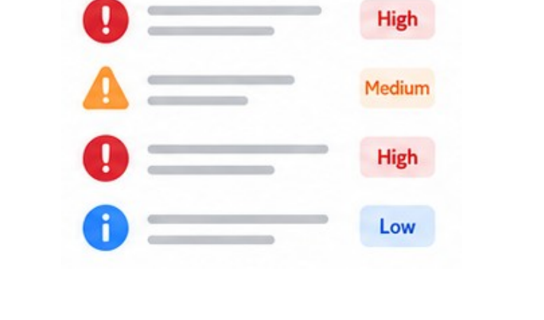
Prioritize
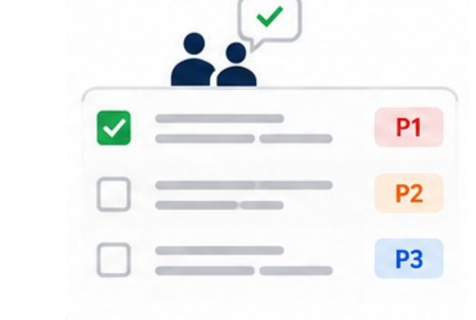
Fix with AI
From code analysis to a team knowledge base
Static analysis becomes application context, the AI works on that context, and the results build a knowledge base your team can reuse.
Static code analysis
Visual Expert parses your full application, not a pasted snippet.
- Dependency analysis
- Database analysis
- Code Inspection
- Technical documentation
- Performance tuning
Application context
The analysis is assembled into a single context the AI can reason on.
VE AI services
The AI works on that context, where you already work.
- Explain Logic
- Explain Business
- Generate Comments
- Suggest Fixes
- Optimize Code
Team knowledge base
AI results are saved with your analysis, ready for the next person and the next change.
- Shared across the team
- Searchable in Visual Expert
- Reused on the next change
Onboard new developers
Bring people up to speed on unfamiliar code.
Assess impact of changes
Know what a change touches before you make it.
Document and modernize
Recover the logic of legacy code before you rewrite it.
Resolve code issues
Understand a finding and act on it faster.
Understand complex code
Read dense or legacy logic in plain language.
Make safer changes
Lower the risk of maintenance work.
Five services available today
More are planned for upcoming releases.
Explain Business
Understand the functional purpose of the selected code.
Explain Logic
Understand how that code achieves its purpose.
Generate Comments
Add clear, readable comments to existing code.
Suggest a Solution
Get a recommendation for a Code Inspection finding.
Optimize Code
Improve the performance of a procedure or query.
Questions? Book a demo.
Your code stays protected
Visual Expert AI is built on top of Visual Expert's analysis, with security designed in.
Read-only
VE never modifies your source code, database schemas or environment.
Minimal excerpts
Only the code fragment needed for a request is sent to the AI, never your full codebase.
No model training
Your code is never used to train AI models. Encrypted in transit and at rest, deletion on request.
You stay in control
Every result is a suggestion you review before applying. AI can be disabled per project.
See Visual Expert AI on a 30-minute demo
We'll get straight to the heart of what matters most to you: your questions, the features that count, and how VE AI fits your development lifecycle.